A note is a reminder, not a lock
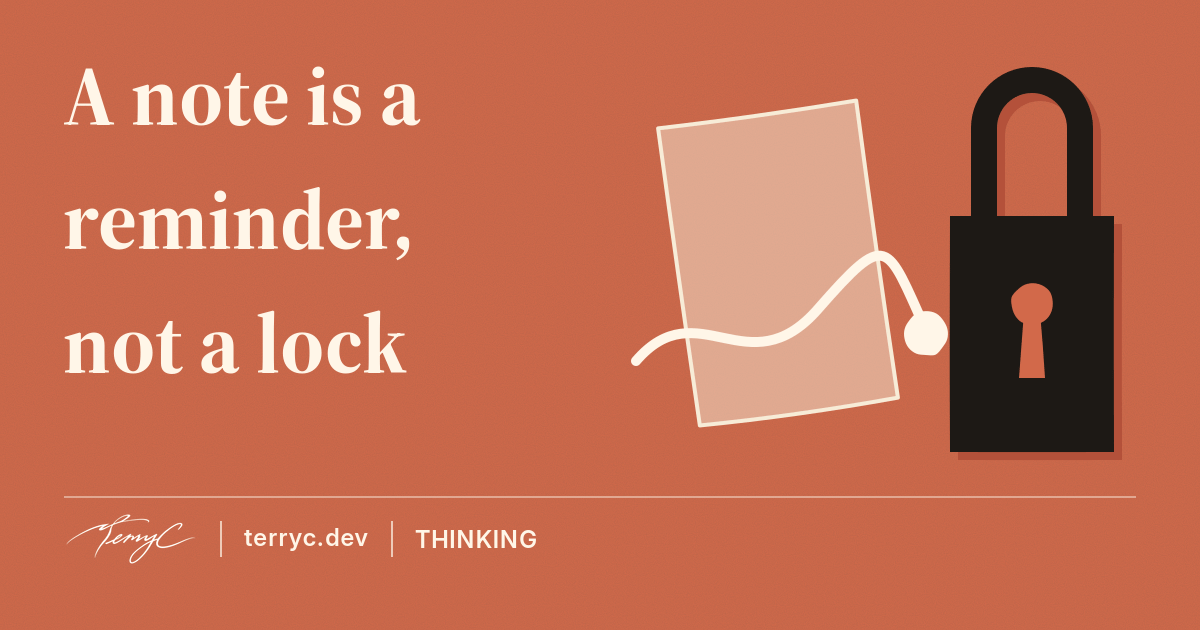
Written instructions help an AI remember how you work, but they do not force it. For a rule that must never be broken, you need a lock, not a note.
Many AI tools let you keep a standing note: a page of instructions the AI reads at the start of every session. How you like things written. What the project is. What to leave alone.
It is a good habit. It is also easy to expect too much from it.
What the note is good at
The note solves one problem: the AI forgetting what you told it.
Write “I like short replies, with the answer first” once, and you stop repeating it. That is memory, and a note is the right tool.
What the note cannot do
The note is guidance. The AI reads it, understands it, and usually follows it.
Usually is not always. In a long session, on a complicated job, or when two instructions pull in different directions, a rule in the note can slip down the list.
So the note is the wrong place for a rule that must never be broken.
Take “never change the files in the live folder”. Written in the note, it holds nearly every time. The one time it does not hold is the one that costs you.
The handbook and the locked door
Think of the note as a staff handbook. It says how things work here and what is expected. Someone who has read the handbook will usually follow it.
But for a rule that must hold even on a bad day, with a well-meaning person in a hurry, you do not add a line to the handbook. You lock the door. Or you make the step happen by itself.
One question to ask of each rule
Is this about what the AI should know, or about what must happen?
-
Should know. Your preferences, your style, how the project is organised, who does what. Put it in the note.
-
Must never. Something that must not be touched, sent or deleted. Use a lock: a setting in the tool that blocks the action, so that a slip cannot happen.
-
Must always. A step that has to run every time. Make it automatic: a step the tool runs by itself, without the AI having to remember.
-
Must always. A step that has to run every time. Make it automatic: a step the tool runs by itself, without the AI having to remember.
A copyable standing file
Here is a made-up Grok.md for a made-up tea shop. The file name does not matter. The file reminds; the lock lives elsewhere.
# Grok.md

## Habits
- Short replies, with the answer first.
- Friendly, not chatty. Sign off as "The shop team".

## Must never (backed by a lock, not only by this note)
- Do not change files in the live folder.
  The lock: a permission setting that blocks writes, or hand over a copy and keep the original.

## Must always (backed by an automatic step)
- Before any change, make a copy of the file being edited.
  The automatic step: a hook, if your tool has one; otherwise do this step yourself first.
At the start of a chat, attach the file and say: “Read Grok.md first.” Then ask for the job.
If you are not technical
The tool I use, Claude Code, has settings for both. The lock is a permission setting. The automatic step is called a hook. If someone set up your tool for you, these are the two words to ask them about.
And if you only use a chat window, the plainest lock is access. An AI cannot change a file it was never given. Hand it a copy and keep the original. (That last suggestion is an addition; it is not in the note this post comes from. It is the same move as making an undo button.)
Keep the note, and know its job
None of this is a reason to drop the note. Preferences and background belong there, and it saves you from repeating yourself in every chat. It is the same idea as Chats forget. Files remember.
Sort your rules once. Most of them are “should know”, and the note handles them well. A few are “must”. Move those few to a lock or an automatic step, and stop hoping the note will hold them.
This post is adapted from my English notes in Terrium, CLAUDE.md solves memory, not execution. The source is licensed CC BY-SA 4.0.